Blog
What is Publishify Studio?
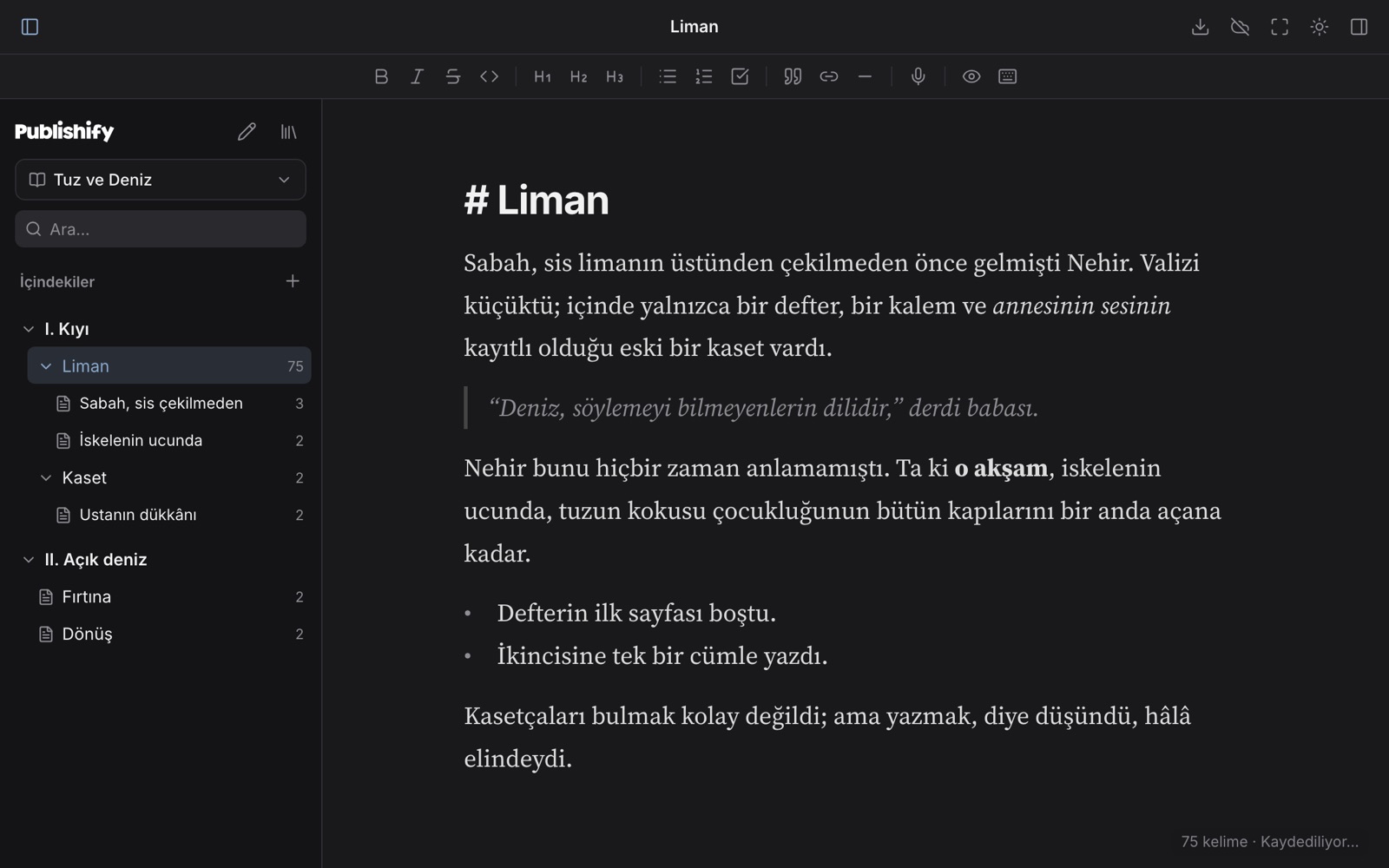
Publishify Studio is a free writing editor that runs in your browser, for novels, stories, essays and much more. You can start without an account, shape your book into parts, chapters and scenes, then download it in the format you need or publish it in one click.
Publishify ·
What can you do in Studio?
- Write in live Markdown, where the marks disappear once the cursor leaves the line.
- Shape your book into parts, chapters and scenes, and reorder them by dragging.
- Start from a template for your kind of writing.
- Dictate, and focus on the page alone in full-screen writing mode.
- Protect your work with version history and a trash folder.
Which languages can you write in?
Arabic, Ottoman Turkish, Turkish, English, German, French, Russian, Japanese, Kurmanji and Zazaki. For right-to-left languages, direction is kept in the editor and in exports.
Where does my writing live?
It stays on your own device first. You can sync it with an account if you like, and the Google Drive connection is in early access.
Frequently asked questions
Is Publishify Studio free?
Yes. The editor is free, and you can start using it without an account.
Do I need to install anything?
No. Studio opens in the browser and works on Mac, Windows, Linux, Chromebook, phone and tablet.
Which formats can I download my book in?
You can download it as Markdown, HTML, Word (.docx), e-book (.epub) and PDF.
Does it publish printed books?
No. On Publishify, publishing means putting your book on the web or preparing it as an e-book and files. We do not handle printing or distribution to stores.
The Wayfarer's Seven Stages → What is Publishify Masthead? →