Publish your writing
What you write does not have to stay a file. In Publishify it becomes a page anyone can read, in one click.
How it works
- Create an account (passwordless, with a passkey).
- Open a book or a single piece in Studio.
- In the Publish tab of the right-hand panel enter an address, a type and a short description.
- Press Publish. Your page opens under publishify.app/k/your-address.
Which types
Book, novel, novella, short story, flash fiction, poem, essay, blog post, academic article, non-fiction, memoir and play. A one-chapter piece becomes an article page directly; a multi-chapter publication opens with a table of contents and chapter pages.
What is on the page
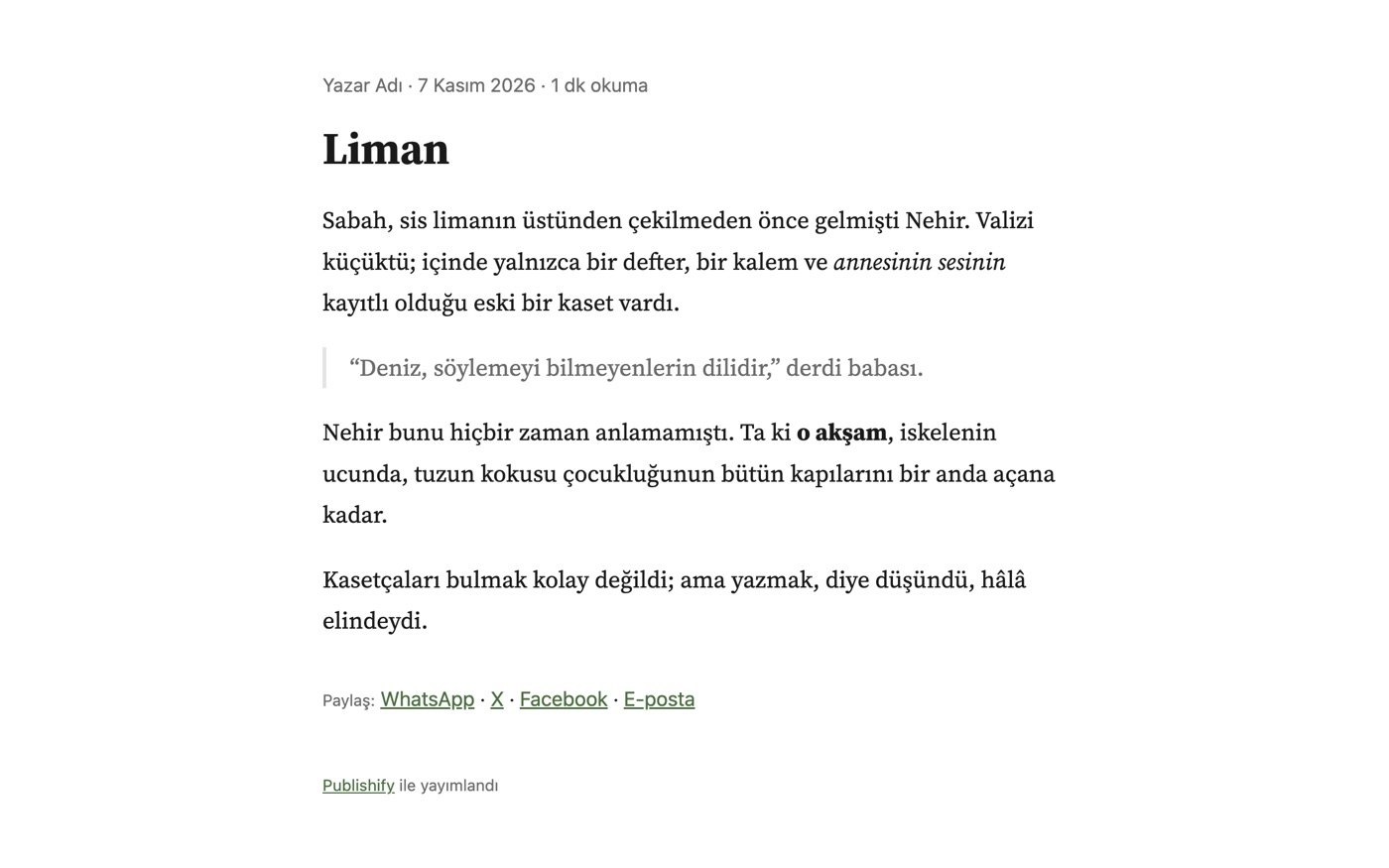
- Title, author name, publication date and reading time
- Sharing links for WhatsApp, X, Facebook and email
- Correct direction and typefaces for right-to-left languages
- schema.org structured data, canonical address and Open Graph for search engines and AI assistants
Security and privacy
A publication is a copy: your draft stays with you and the page only changes when you press Update; you can unpublish at any time. Your Markdown is rendered safely: raw HTML and scripts do not run and the page has no JavaScript.